
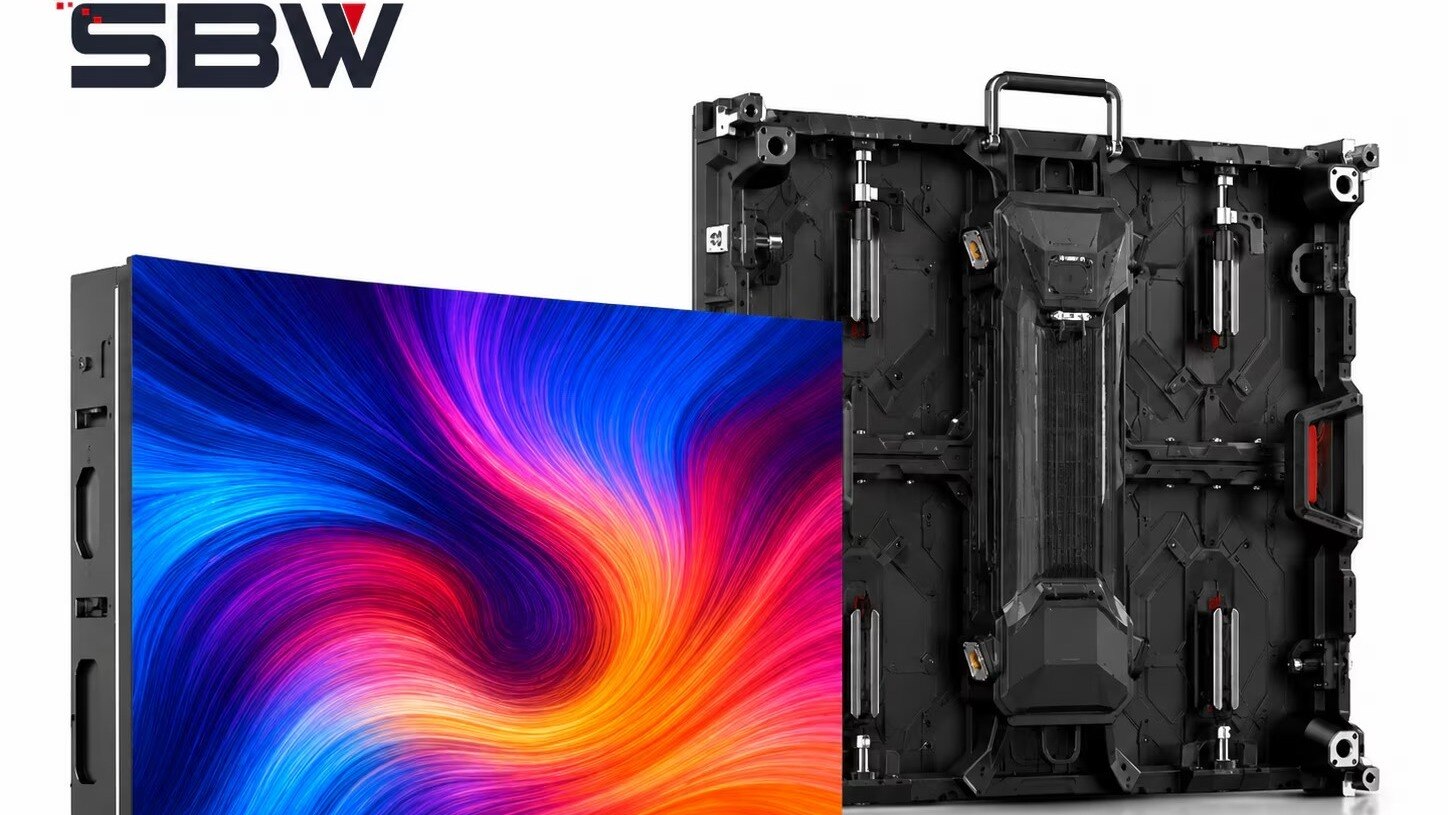
A dark cabinet is not automatically a failed LED module: the fault may sit in mains power, the sending device, the receiving-card data path, or the cabinet configuration. By tracing those layers in order, checking Pune-specific environmental risks, and documenting the result, you can restore the display faster and decide what support or spare parts the site actually needs.
Key takeaways
- Test mains, power distribution, signal output and data paths in order.
- Confirm cabinet mapping, refresh rate, resolution and receiving-card settings.
- Protect controllers and power supplies from Pune heat, moisture and unstable power.
- Keep configured spare receiving cards, modules and documented restoration steps.
Identify the fault layer before replacing hardware
A black display does not prove that an LED module has failed. Identify the layer first: mains and power distribution, the sending device and processor output, or the receiving-card and module data path.
If only one cabinet is affected, the receiving card, its data lead, or that cabinet’s power supply is more likely than the video processor. If every cabinet fails together, check power, the source, processor output, or the sending card.
If you are investigating led for control system problems in pune, compare the visible symptom with the fault layer before ordering parts:
| Symptom | Most likely component or layer | First check |
|---|---|---|
| Black screen across all cabinets | Mains, sending device, processor, or input source | Confirm rack and display power, source output, and processor status |
| One dark cabinet | Cabinet power supply, receiving card, or data lead | Move it to a known-good output and use a short tested lead |
| Flickering or cascading cabinet failures | Ethernet cable, fibre link, switch, or receiving-card path | Substitute the data cable and inspect terminations |
| Half-lit or scrambled cabinet | Receiving-card configuration or scan file | Verify scan mode, module width and height, data groups, and output order |
| Frozen or repeating image | Media player, network path, or sending software | Check playback status, device communication, and processor output |
Record the symptom pattern, cabinet coordinates, input source, controller output, power measurements, cable-substitution result, configuration version, and corrective action. A log that says only “LED screen issue” hides the failed layer and encourages another unnecessary replacement.
Run a controlled fault-isolation sequence
Test the power layer before replacing a module or controller. A black screen, flicker, freeze, lost signal or reboot can originate in mains distribution, the sending device, or the receiving-card and data path.
1. Record the symptom, time, pattern and affected cabinet coordinates. Note whether the whole wall, one cabinet or one region fails.
2. Confirm mains voltage at the display and controller rack, check power-supply indicators, and inspect breakers, connectors and protective earth. Do not treat an Ethernet shield as a substitute for protective earthing.
3. Test the source device with a known-good monitor. Confirm playback, resolution and output, then substitute the HDMI or DisplayPort lead.
4. Check the video processor or sending controller: selected input, output indicator, resolution, refresh rate, device IP address and communication status. A frozen source is not a receiving-card fault.
5. Inspect Ethernet or fibre converters, then replace the suspected data lead with a short, known-good cable. Move the affected cabinet to a known-good controller output; if the fault follows the cable or output, stop replacing cabinets.
6. Reseat receiving-card power and data connections, then test the cabinet’s receiving card and module path. Half-lit cabinets, missing rows and scrambled pixels point to cabinet data or configuration rather than a dead sender.
7. Save the configuration version, scan file, measurements, cable-substitution result and corrective action. This record turns recurring LED screen controller problems in Pune into a traceable fault instead of a generic “LED issue” or unnecessary controller replacement.
Check configuration before condemning a controller or cabinet
A cabinet that is dark, scrambled or half-lit is not automatically a failed cabinet. Incorrect software configuration, receiving-card parameters or signal timing can create the same pattern across good LED modules.
1. Confirm the sending device has the correct screen file, cabinet resolution, input source and playback schedule. Compare the loaded file with the approved cabinet map. A wrong width or height can repeat content, while an incorrect output order can shift an image across cabinets.
2. Read the receiving-card settings before replacing it. Check scan mode, module width and height, data-group count, output order and cabinet address. A mismatch can produce missing rows, half-lit panels or scrambled pixels even when the controller output is stable.
3. Compare the configured refresh rate and signal timing with the processor and receiving cards. An unsupported refresh rate can cause flicker, intermittent signal loss or visible tearing. Check Ethernet or fibre link status and substitute a known-good data lead before changing hardware.
4. Save the current configuration, record the affected cabinet coordinates and load the approved backup file. If the fault disappears, the cause was configuration rather than a cabinet failure.
For an LED display control system in Pune, require records showing the symptom pattern, input source, controller output, power reading, cable-substitution result, configuration version and corrective action. A basic “screen online” status proves little; cabinet-level alarms and event timestamps reveal whether timing, data paths or individual receiving cards failed.
Prevent Pune heat, moisture and power faults from becoming downtime
Heat, moisture and unstable power are the site conditions most likely to interrupt an outdoor or high-use LED display. A thermal shutdown can look like a controller failure when blocked vents, failed fans, dust-loaded filters, direct sunlight or tightly packed cabinets push internal temperature upward.
| Condition | Failure pattern | Check before replacing control hardware |
|---|---|---|
| Heat | Blackout, reboot or frozen content after prolonged operation | Record cabinet temperature, fan operation, filter condition and airflow while the fault is active |
| Monsoon moisture | Intermittent signal loss or partial cabinets that recover after drying | Inspect cabinet seals, cable glands, drainage paths, connectors and signs of condensation |
| Power fault | Whole-screen blackout, flicker or repeated reboot | Measure mains and cabinet power, inspect power supplies, terminals, earthing and overload protection |
Before the monsoon, clear drainage routes and confirm that every cable gland is tight and correctly sized. After the monsoon, inspect connectors, cabinet interiors and corrosion marks; conformal protection belongs on appropriate electronics, not as a substitute for sealing.
- Separate the fault into mains distribution, sending-device output and receiving-card or module data paths.
- Log the affected cabinet coordinates, temperature, power measurements, indicator status and data-cable substitution result.
- Keep configuration backups and compatible display control accessories in Pune, including power supplies, receiving cards, interface devices, transceivers, data leads and power leads.
Repeatedly replacing controller cards or LED modules without this record increases downtime and leaves the moisture or power fault unresolved.
Specify spares, monitoring and support that reduce restoration time
Before the next campaign, put restoration terms, spare parts and evidence requirements in writing. Separate response time from restoration time, and state whether the contract includes remote diagnosis, on-site labour, parts, configuration recovery, preventive inspection, brightness recalibration and post-repair testing. “Technical support” alone sets no downtime commitment.
1. Specify a minimum spare kit: correctly rated power supplies, receiving cards, sender and receiver interface devices, Ethernet or fibre transceivers, data leads, power leads and cabinet locks. Match every item by connector, protocol, firmware and cabinet mapping, not appearance.
2. Require configuration recovery: current screen files, cabinet scan files, controller settings, media-player settings, IP addresses and firmware versions stored in two accessible locations. A replacement controller without the correct mapping can leave the same cabinets dark.
3. Demand monitoring at cabinet or receiving-card level, with alarms for signal loss, power status, controller temperature and event timestamps. A single “screen online” heartbeat can show green while one cabinet row is black.
4. Agree on a fault-isolation record covering symptom, pattern, cabinet coordinates, input source, controller output, power measurements, cable-substitution result, configuration version and corrective action.
5. Use a UPS for the control rack when utility power is unstable or switching loads are frequent. Size it to protect the sender and permit orderly shutdown; it will not run a large LED wall unless its battery and inverter match the display load.
Treat led display support in pune as a measurable service, not a vague promise. Whether you use SBW TECHNOLOGY PVT LTD or another provider, require named escalation contacts and a post-repair test witnessed before the event opens.
Related product
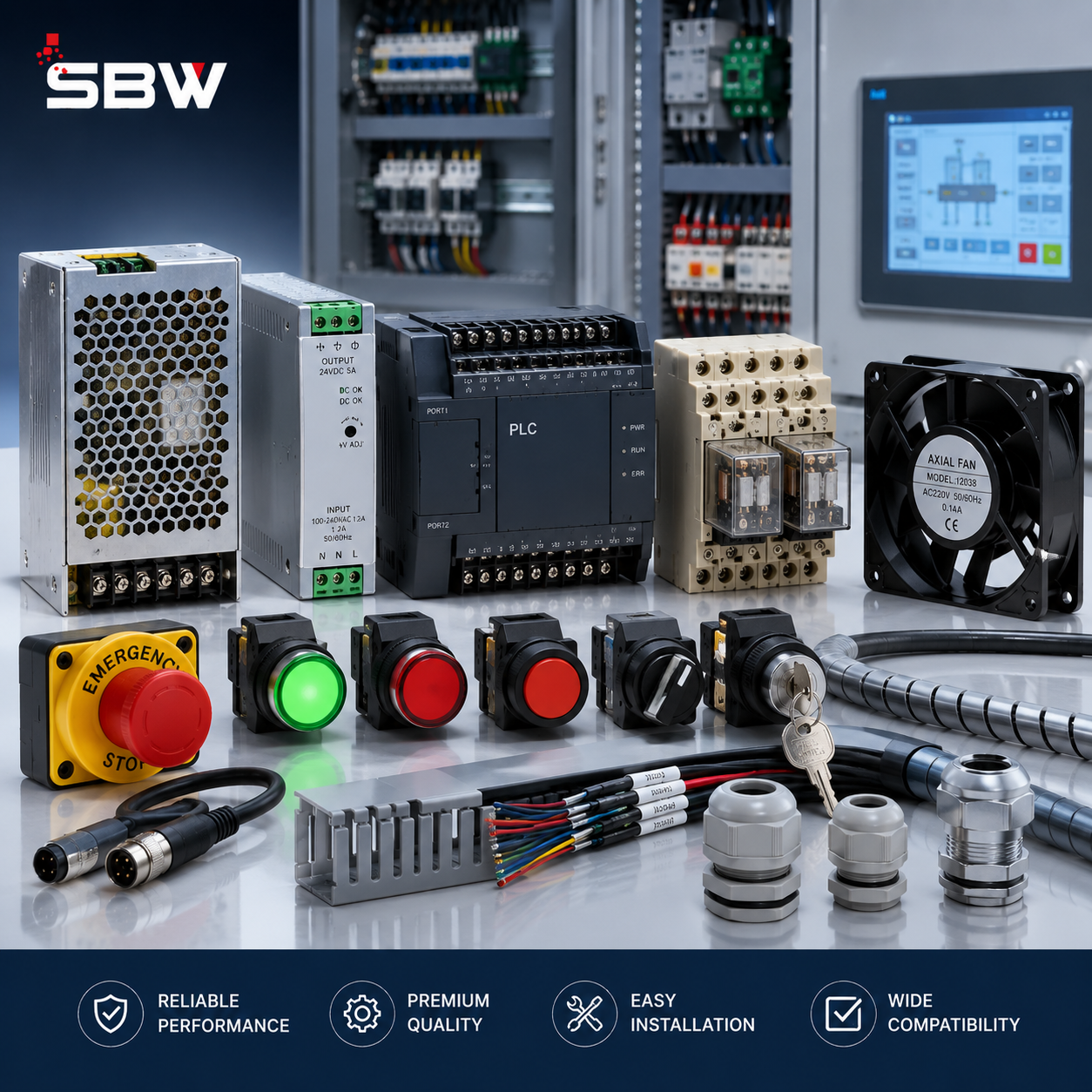 | Control Systems Accessories SBW Technology Private Limited offers reliable and efficient Control System Accessories designed to support the smooth operation, management, and... View product → |
Frequently asked questions
How do you identify the fault layer in an LED display control system?
Separate the system into mains and power distribution, sending device and processor output, and the receiving-card and module data path. Test each layer before replacing hardware.
What fault-isolation sequence helps diagnose an LED screen controller problem?
Check mains input and cabinet power, confirm the source signal, inspect processor output, test the network or data links, and then isolate receiving cards and modules.
Which configuration settings should you check before replacing an LED controller?
Verify cabinet mapping, screen resolution, refresh rate, scan mode, receiving-card configuration, data-group settings and the correct processor input.
How can you reduce LED display downtime in Pune?
Control heat, moisture and power quality, keep configured spare parts, document the wiring and cabinet map, and monitor controller, temperature and power alarms.