
The right office LED display depends on viewing distance, architecture, content and maintenance access—not simply the size of the wall. By the end, you will be able to match a display format to each office zone, prepare the installation site and compare quotations using measurable technical and content requirements.
Key takeaways
- Match screen format to viewing distance, content and office architecture.
- Survey wall strength, power, data routes and service access before ordering.
- Test text, contrast and camera visibility from real viewer positions.
- Specify installation, calibration, warranty response and maintenance access in writing.
What counts as a creative LED display in a Pune office?
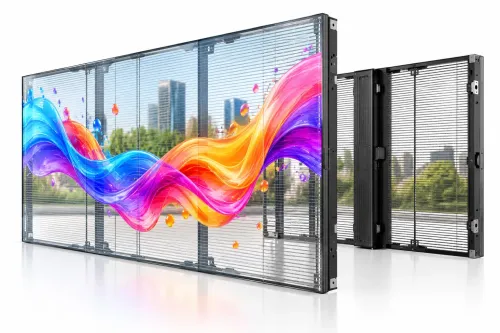
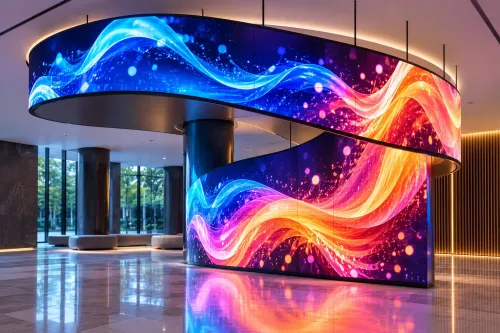
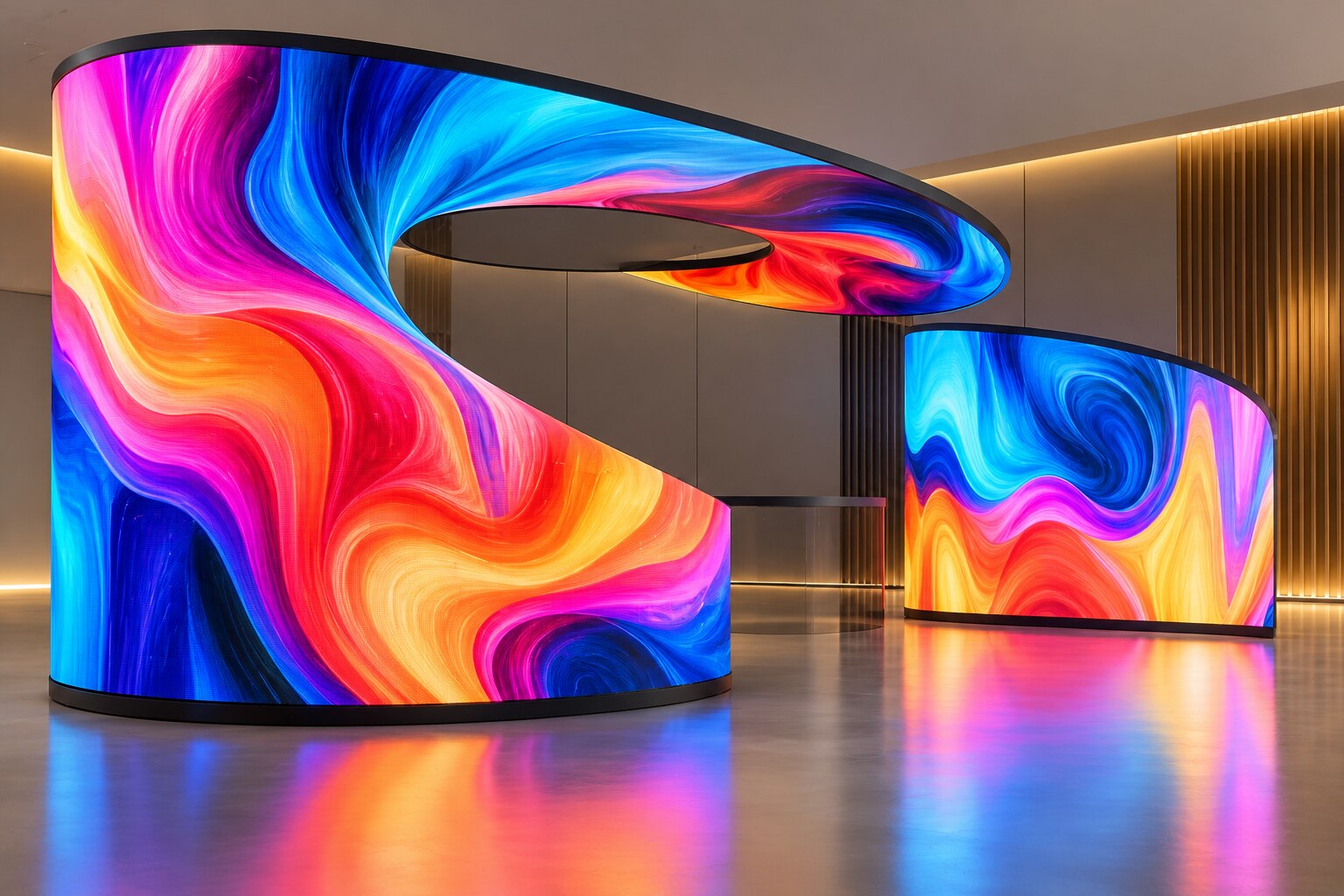
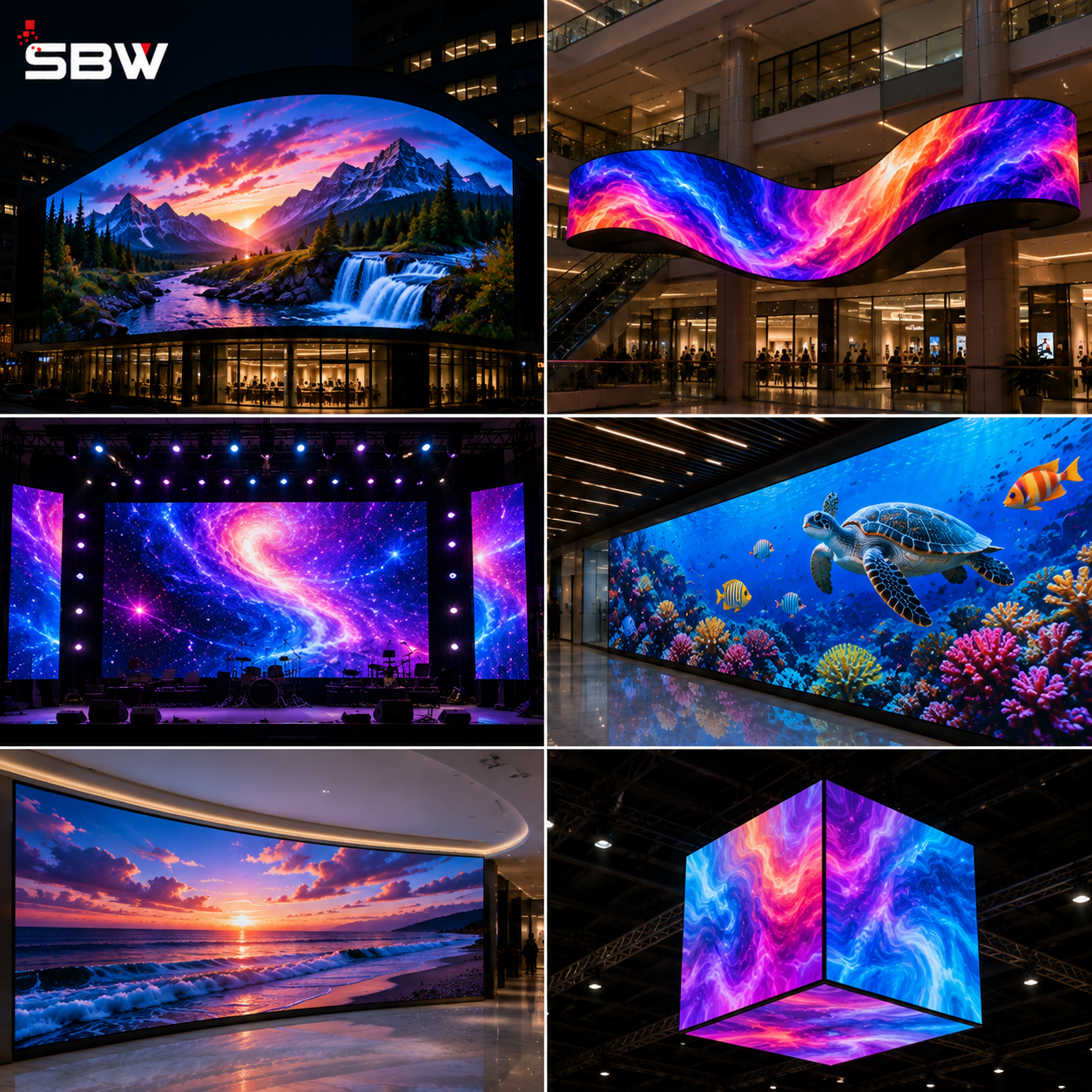
A creative LED display for corporate office in Pune is defined by how it fits the architecture, not by an unusual shape alone. It may be a curved reception feature, a sculptural screen wrapping a column, a transparent panel over glass, or an irregular canvas built for a specific wall.
The spaces that benefit most are:
- Reception areas, where a shaped display can support brand storytelling and visitor orientation.
- Lift lobbies and corridors, where short, repeated content suits a narrow or vertical screen.
- Cafeterias and employee lounges, where animated culture, news or event content can use a relaxed viewing environment.
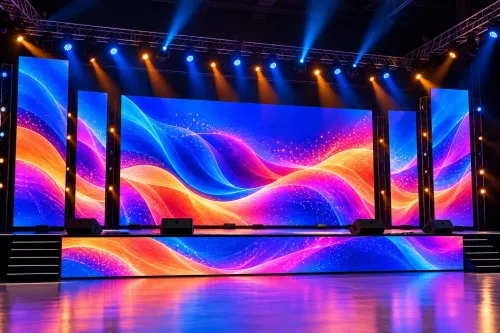
- Auditoriums, experience centres and large atriums, where scale and architectural impact matter.
| Format | Best location | Why it fits |
|---|---|---|
| Flat LED video wall | Boardroom, training room or presentation area | Clear, rectangular content is easier to read and manage |
| Sculptural or curved LED | Reception, atrium or feature wall | The installation becomes part of the interior design |
| LCD video wall or commercial display | Close-range meeting or information area | Fine detail, uniformity and straightforward content handling |
| Projector or static graphics | Temporary events or low-use branding zones | Lower architectural commitment, but weaker performance under bright light |
A creative led displays in pune project still needs practical limits. Start with the nearest and farthest viewing distances; approximately 1 mm of pixel pitch per metre is a starting point, not a quality rating. Specify brightness control, because excessive luminance creates glare on glass and discomfort. For wayfinding, never communicate through colour alone.
Choose the display format by task, distance and architecture
Choose by task, viewing distance and architecture—not wall area alone. Start with the nearest and farthest viewers: roughly 1 mm of pixel pitch per metre is a starting heuristic, then check text size, graphics, cameras and budget. Pixel pitch is not a quality rating.
| Option | Best fit | Main trade-off |
|---|---|---|
| Creative LED display | Reception features, curved walls, lift lobbies, auditoriums, transparent glass or unusual shapes | Scalable and nearly bezel-free, but custom structure, content and servicing add complexity |
| Flat LED video wall | Detailed presentations, boardrooms and large viewing distances | Bright, seamless and modular, but less suited to sculptural architecture |
| LCD video wall | Close-range dashboards and presentation rooms | Lower close-range pixel cost and consistent image uniformity, but bezels interrupt the picture |
| Commercial display | Reception menus, room schedules and small information points | Simple deployment, but limited size and visual impact |
| Projector | Large auditorium or multipurpose-room images | Large canvas at modest equipment cost, but ambient light, shadows and optical-path maintenance reduce reliability |
| Printed branding | Permanent logos, values and directional panels | No power or software, but content cannot change |
| Static wall graphics | Corridors, waiting areas and low-change employee messaging | Durable and inexpensive, but unsuitable for live information |
Use a custom LED display for office spaces where the architecture itself carries the message; choose a flat screen when people must read dense content. For movable or temporary communication, a poster display is easier to relocate.
Creative LED displays in Pune should also be tested with the actual presentation cameras and room lighting, not judged by a stated refresh-rate number alone.
Survey the wall before ordering any equipment
A wall survey can prevent a screen quotation from becoming civil, carpentry and electrical rework. For an office branding display in Pune, approve the installation only after these checks are recorded:
1. Measure wall and ceiling load capacity, fixing points, bracket reaction forces and any seismic or vibration assumptions. Confirm that the feature wall, joinery and anchors can carry the complete assembled display, not just the LED modules.
2. Measure lift, doorway and corridor dimensions, including turning space, so cabinets and control racks can reach the room without dismantling them.
3. Map power outlets, dedicated circuits, earthing, cable routes and rack locations. Request electrical and product-safety documents for modules, receiving cards, sending equipment, power supplies, processors and control racks. IEC 62368-1 documentation for one component does not certify the assembled wall or building installation.
4. Check heat, dust, humidity, direct sunlight, glass reflections and nearby HVAC airflow. Specify brightness control; excessive luminance creates glare and discomfort in offices.
5. Decide how technicians will replace a power supply, receiving card or module. Front-serviceable modules suit walls tight against joinery; rear-service designs need a maintenance corridor or removable panels.
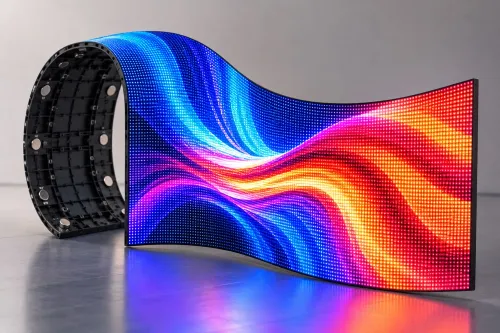
6. For a curved or free-form custom led display for office use, document cabinet geometry, bend radius, module orientation, pixel-map distortion, safe content areas and rear or front access. Flexible modules cannot form every compound curve.
Get the survey drawings, load calculations and access method attached to the approval, not left as verbal promises.
Design for readable content, cameras and real viewing distances
Specify pixel pitch from the nearest and farthest viewer, not wall area. Use 1 mm of pixel pitch per metre of viewing distance as a starting point: a 1.5 mm display suits viewers about 1.5 metres away, while a 2.5 mm display needs more distance.
Check proposed text, graphics and budget; pixel pitch alone is not a quality rating.
Set brightness for the room’s ambient light, then use calibrated dimming rather than running the LEDs at maximum. Ask for an operating luminance range, ambient-light sensor settings and a camera test.
A stated 3,840 Hz refresh rate does not prevent banding: test the actual cameras, shutter speeds, frame rates, PWM behaviour, scan architecture and room lighting.
A curved or irregular screen needs its own pixel map. The drawing must show cabinet geometry, bend radius, module direction, content safe areas and front or rear service access; flexible modules cannot form arbitrary compound curves.
Build the canvas from the installed pixel dimensions and processor mapping, not a default 16:9 file. Specify portrait or landscape rules, frame rate, codec, maximum bitrate and safe margins so content is not stretched, cropped or placed in unusable pixels.
For creative digital signage in Pune and a creative LED display for corporate office in Pune, apply these checks:
- Never communicate wayfinding through colour alone.
- Maintain WCAG 2.2’s 4.5:1 contrast ratio for normal text.
- Provide pause, stop or timing controls for animated content.
- Test small text from the closest real viewing position.
Turn a quotation into an installation and maintenance specification
Require the quotation to become a measurable installation specification, not a drawing with a lump-sum price. For an office branding display in Pune, demand stated pixel pitch, nearest and farthest viewing distances, active canvas dimensions, minimum/typical/maximum brightness, dimming method, power load, heat output, warranty and service access.
1. Require the proposal to identify the LED modules, receiving cards, controller, player, CMS, operating system, supported codecs, network requirements, user permissions, content-approval workflow, firmware responsibility and offline playback after network failure. Specify front service access where the display sits against a feature wall; rear service requires a maintenance corridor or removable wall panels.
2. Write the acceptance test into the purchase order. Check dead pixels, module alignment, colour consistency, brightness limits, scheduled dimming, power recovery, network loss, content playback and CMS permissions. Record test results from the actual presentation cameras and room lighting; a quoted 3,840 Hz refresh rate alone does not rule out camera banding.
3. Require readable text at the stated distances, contrast that does not rely on colour alone, and controls for animated content. Ask for a measured 4.5:1 contrast ratio for normal text where the applicable WCAG 2.2 criterion applies.
4. Put maintenance into the contract: response and repair times, spare-module stock, cleaning method, remote monitoring, preventive inspection frequency, escalation contacts and a documented recovery procedure. Whether you shortlist SBW TECHNOLOGY PVT LTD or another supplier, compare these deliverables rather than creative renderings alone.
Related products
 | Creative Displays SBW Technology Private Limited offers innovative Creative LED Displays designed to transform conventional digital signage into visually striking and... View product → |
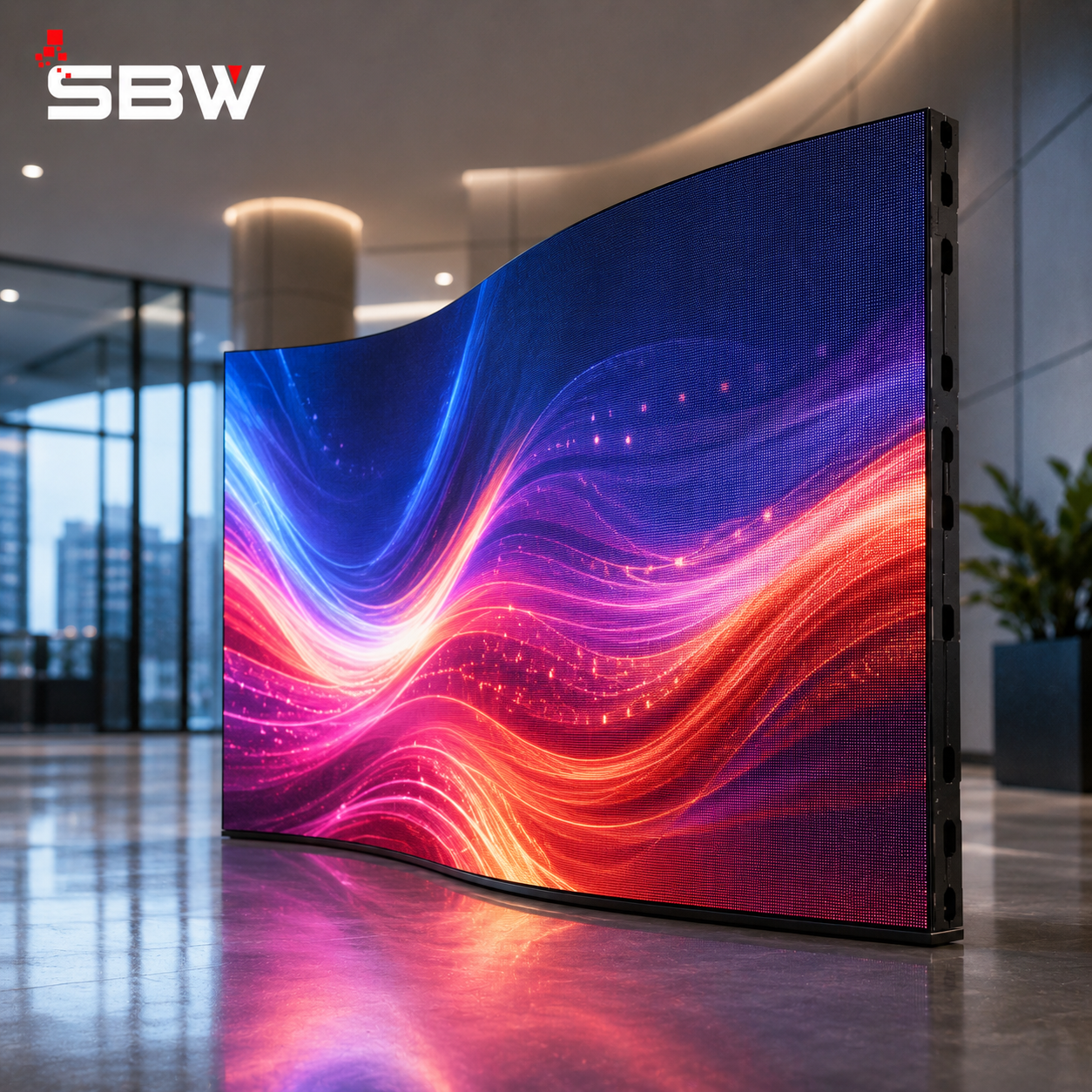 | Flexible LED Display SBW Technology Private Limited offers Flexible LED Displays designed for creative and curved digital display installations. View product → |
Frequently asked questions
What counts as a creative LED display for a Pune corporate office?
A creative display fits the building’s architecture and purpose. Examples include curved reception screens, column-wrapping displays, transparent panels over glass and irregular canvases designed for a specific wall.
How should you choose an LED display format for an office?
Choose the format by task, viewing distance and architecture. A reception feature, meeting-room screen, corridor sign and control-room video wall each require different dimensions, pixel pitch and mounting methods.
What should you check before ordering a custom LED display?
Survey the wall’s structure, dimensions, access route, power supply, data cabling, ventilation and maintenance clearance. Confirm these conditions before approving equipment or fabrication.
What should an LED display quotation include?
Request the cabinet dimensions, pixel pitch, brightness, controller, mounting structure, power and data requirements, installation scope, calibration, warranty response times and maintenance access.
Related products
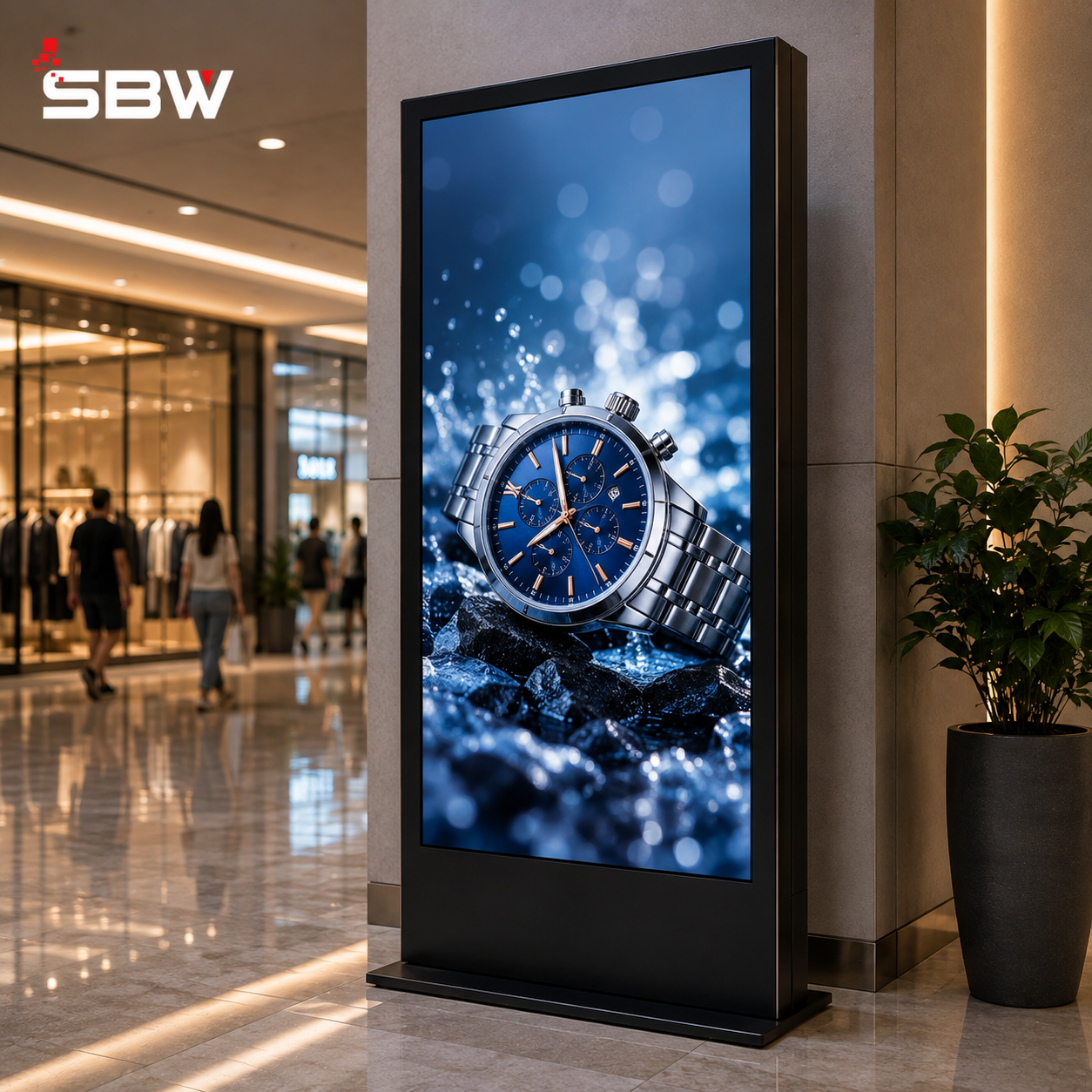 | Poster LED Display SBW Technology Private Limited offers Poster LED Displays designed for modern digital advertising, promotions, branding and information... View product → |
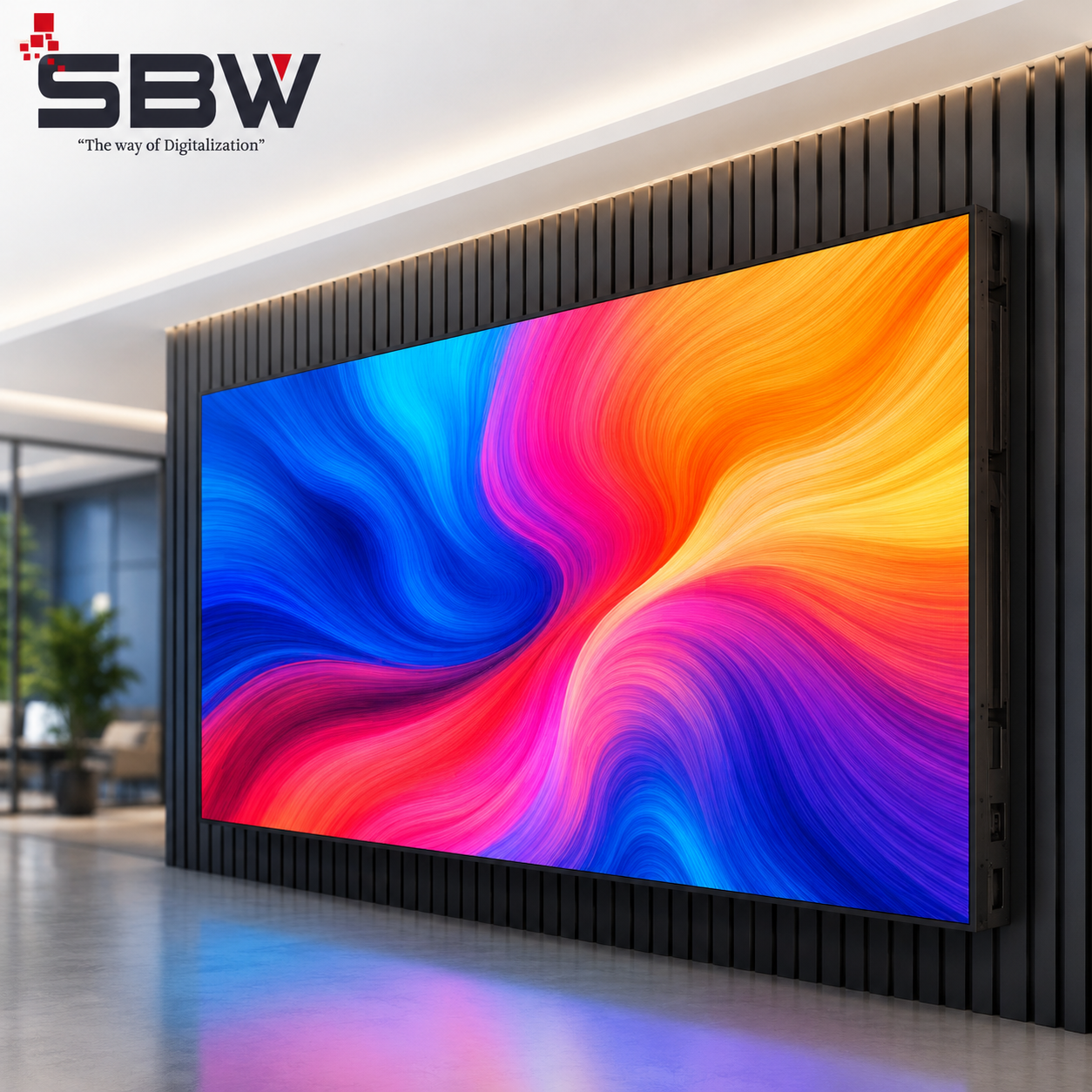 | Indoor LED Display SBW Technology Private Limited offers Indoor LED Displays designed to deliver bright, sharp and vibrant visuals for professional indoor environments. View product → |
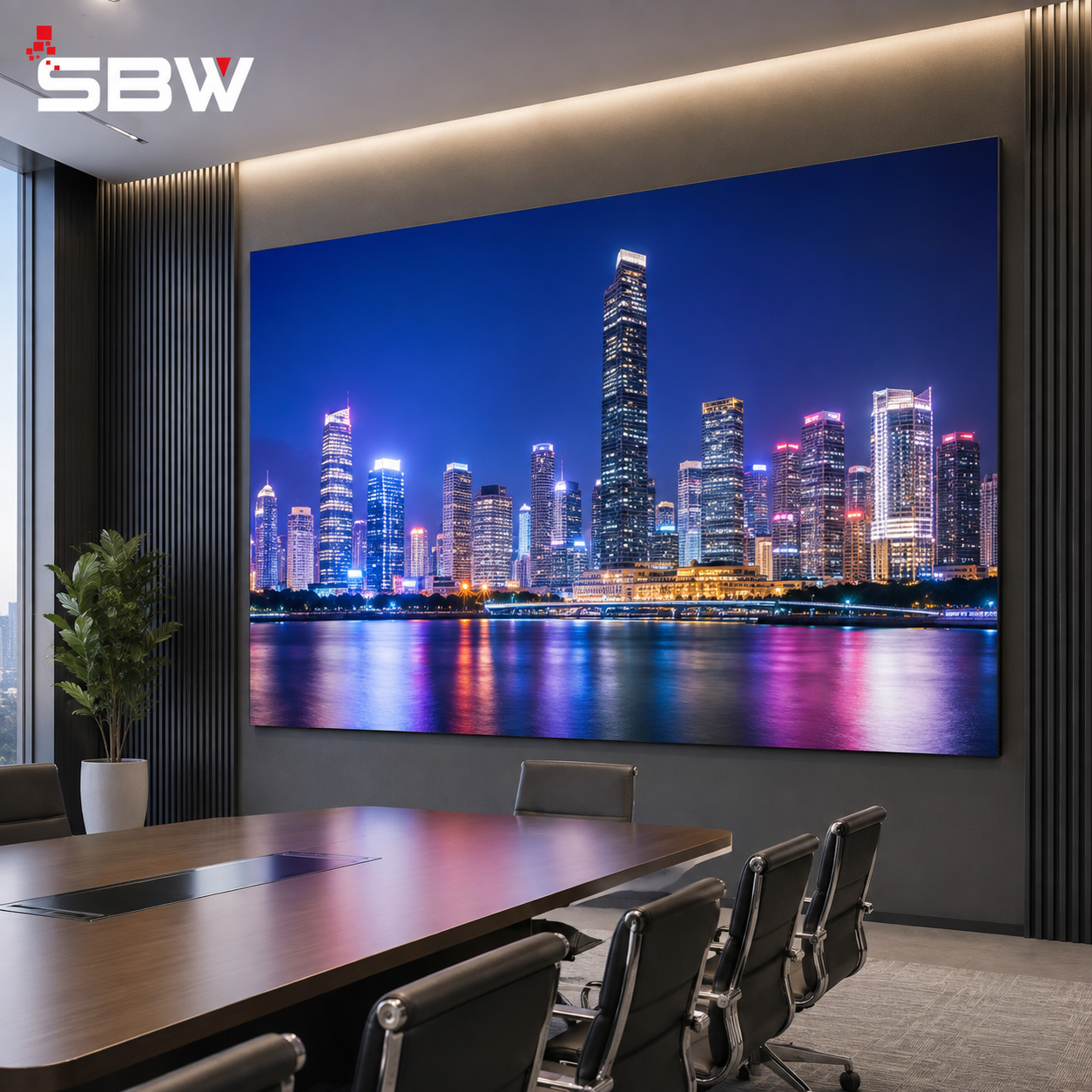 | Fine Pitch LED Display SBW Technology Private Limited offers Fine Pitch LED Displays designed for applications that require exceptional image clarity, sharp details and... View product → |
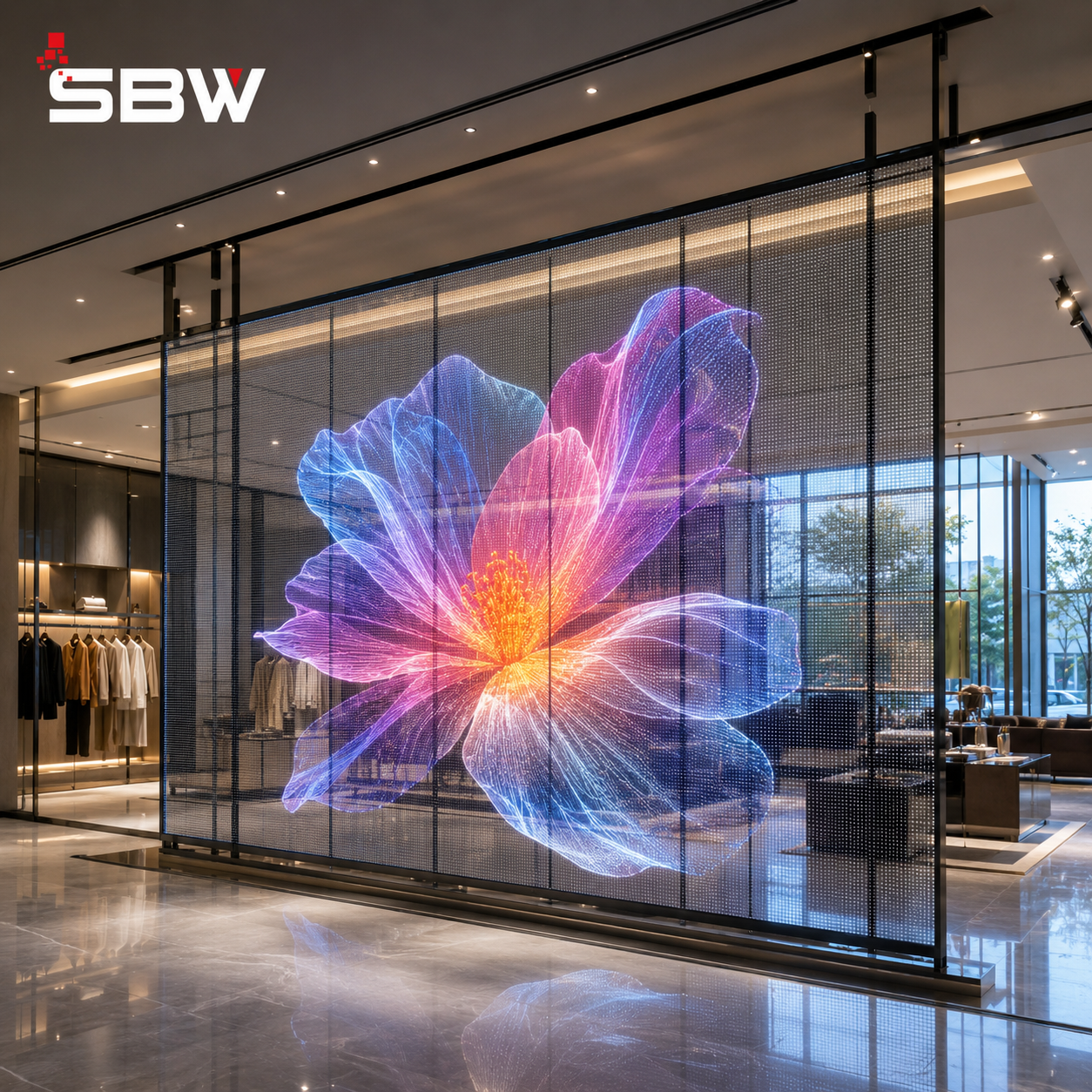 | Transparent LED Display SBW Technology Private Limited offers Transparent LED Displays designed for modern glass-front architecture, retail stores, shopping malls,... View product → |